Wedding planning, together
Plan your wedding together, in one shared place
One plan for you, your partner and everyone helping. Every event, vendor, date and checklist, so everyone knows what is next.

Free to plan. Android is coming soon.
What you get
Stop planning from two notebooks
Everything about the wedding lives in one place you can all open, so nothing slips through.
-
Plan it together
Invite your partner and anyone helping. Everyone sees the same plan, and every change shows up for all of you.
-
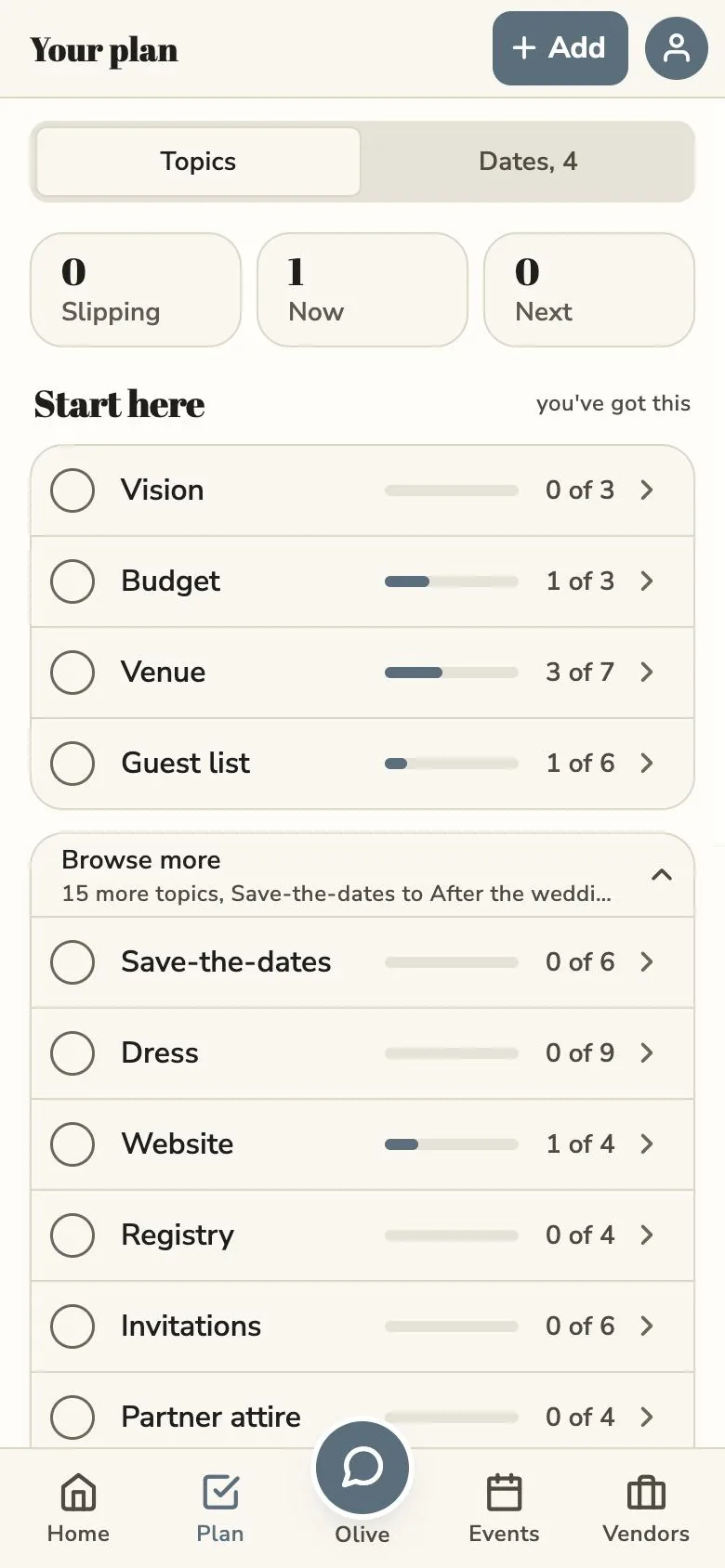
A checklist for every part
Venue, budget, guest list and more. Each part of the wedding has its own short list, so you always know the next step.
-
Every event and date
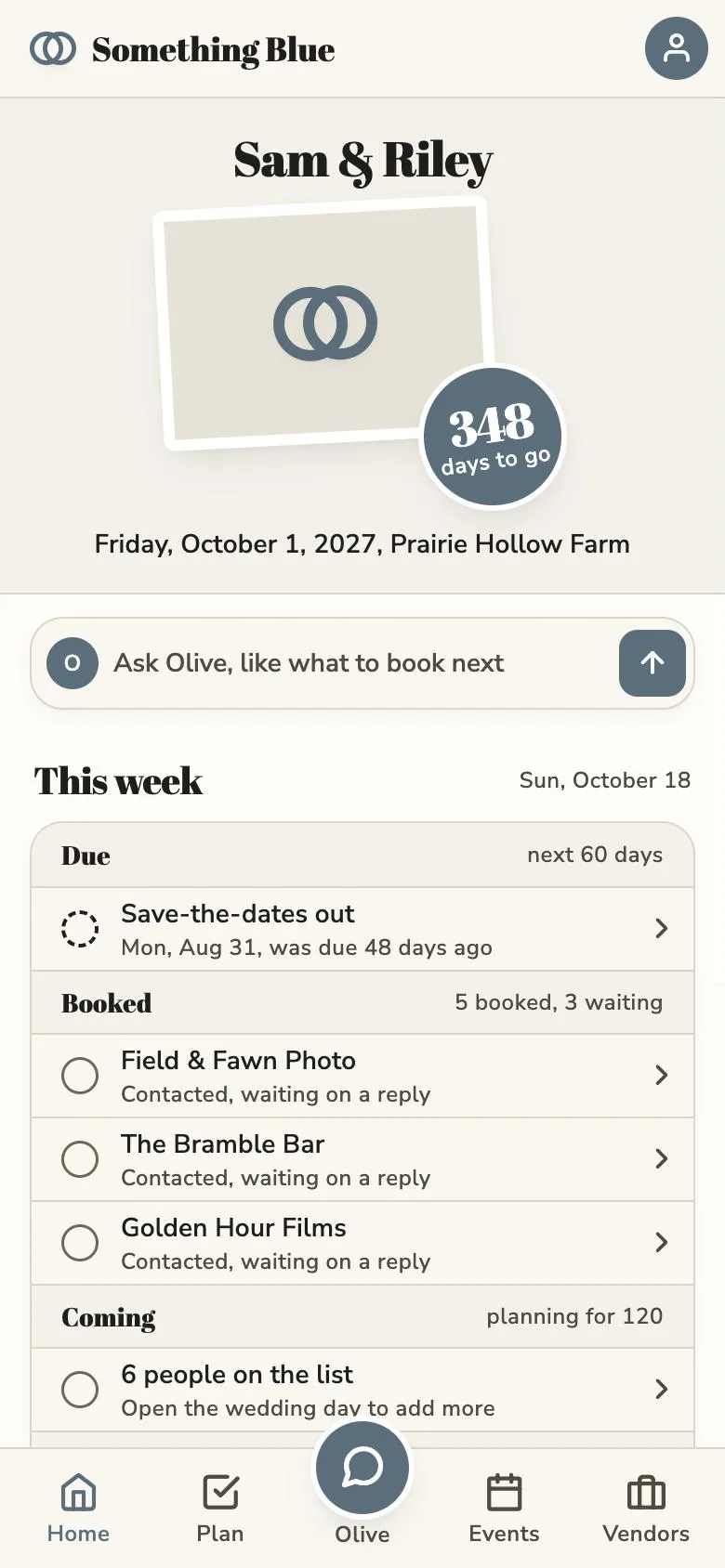
A countdown up top, then the tastings, fittings and parties in order, with what is coming up next.
-
Vendors in one file
Contacts, status, quotes and notes for each vendor, so you are not digging through email.
-
Ask Olive when you are stuck
Olive is your planning helper. Ask a question or have her draft a list. Nothing saves until you say so.
-
Works with no signal
Open it at a barn venue with no bars. Changes save on your phone and sync when you are back online.
Pricing
Free to plan. Plus is Olive.
All of the planning is free. Plus adds Olive whenever you need her.
Free
$0
- Events, vendors, dates and notes
- A checklist for every part of the wedding
- You two plus 3 helpers
- 10 messages a month with Olive
Plus
$4.99 a month, 7-day free trial
- Olive as much as you need
- For everyone in the wedding
- Room for every helper past the first three
Questions
Good to know
How much does it cost?
Planning is free: events, vendors, dates, checklists, you two plus 3 helpers, and 10 messages a month with Olive. Something Blue Plus is $4.99 a month with a 7-day free trial and covers the whole wedding.
Can we both use the same wedding?
Yes. Invite your partner and anyone helping, and you all edit the same plan.
Do we need a date first?
No. Mark the date as still to be decided and add it later. The countdown starts once you do.
Is there an Android app?
Android is coming soon. Until then, the web app works in any phone browser.
Does it work with no signal?
Yes. The app opens without a connection. Changes save on your phone and sync the next time you are online.
What does Olive see?
A short summary of your wedding, so she can answer well: your names, stage, date, and your event and task titles. She is not sent vendor contacts, guest details, note contents or files, and nothing she suggests saves until you say so. The Privacy Policy lists exactly what is shared.
Can I delete my account?
Yes, from the app's settings. If you share the wedding with your partner, they keep it. If you are the only one on it, email support@frameworkstudio.dev and we will delete the rest of the wedding data. The Privacy Policy has the details.
Can I cancel Plus?
Yes, anytime, from your App Store subscriptions. You are not charged until the 7-day free trial ends, and the free plan has nothing to cancel.
Start your plan tonight
Free on iPhone and on the web. Bring your partner.
Android is coming soon.